
Track blood pressure, weight and measurements for your loved ones, each with their own history.
Every member of your family gets their own health history: blood pressure, BMI, weight and body measurements. All of it clear, organized and always at hand — stored on your device, not in the cloud.
One app, every vital sign that matters to your family.
Stop jotting down readings on loose scraps of paper. FamiliAID organizes every health data point per person, with clear charts you can review yourself or share with their doctor.
Blood pressure
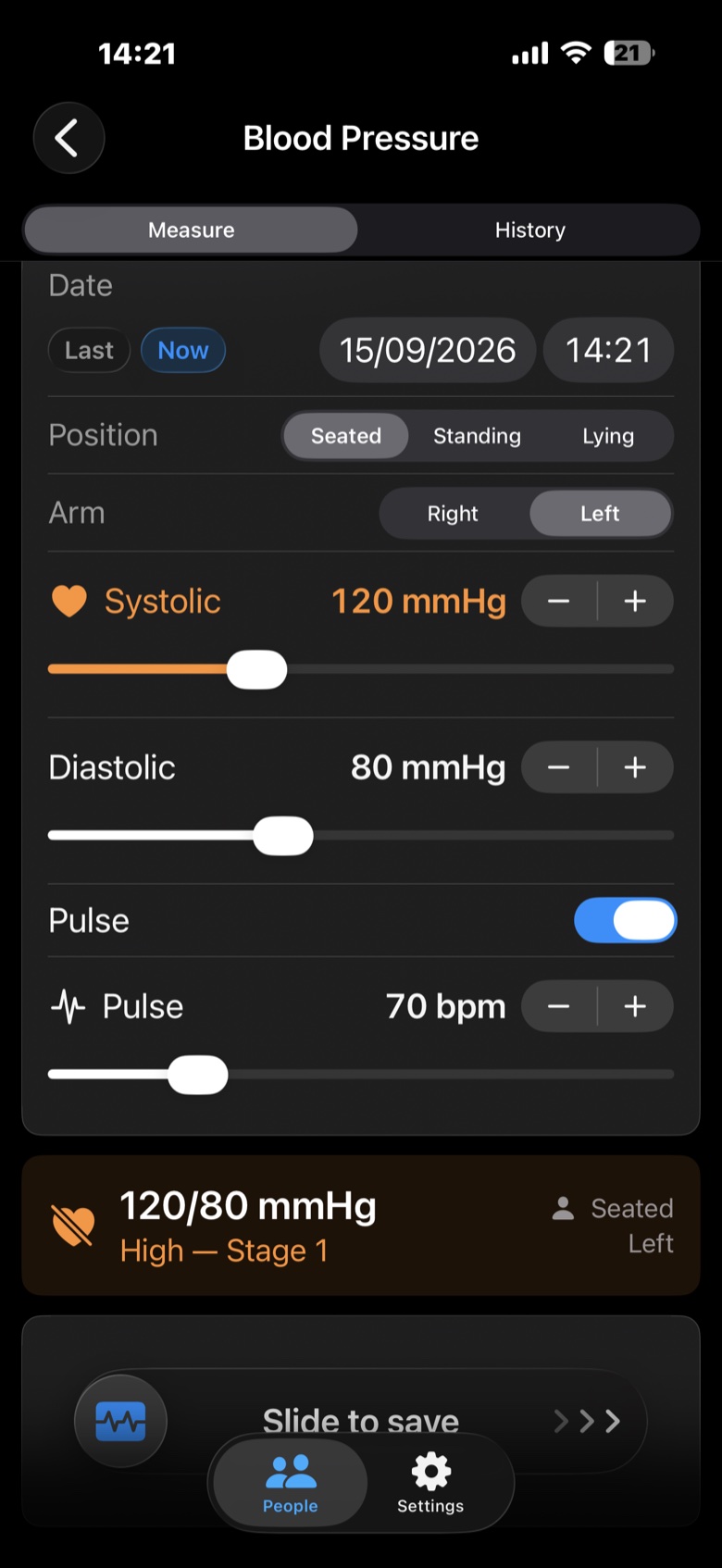
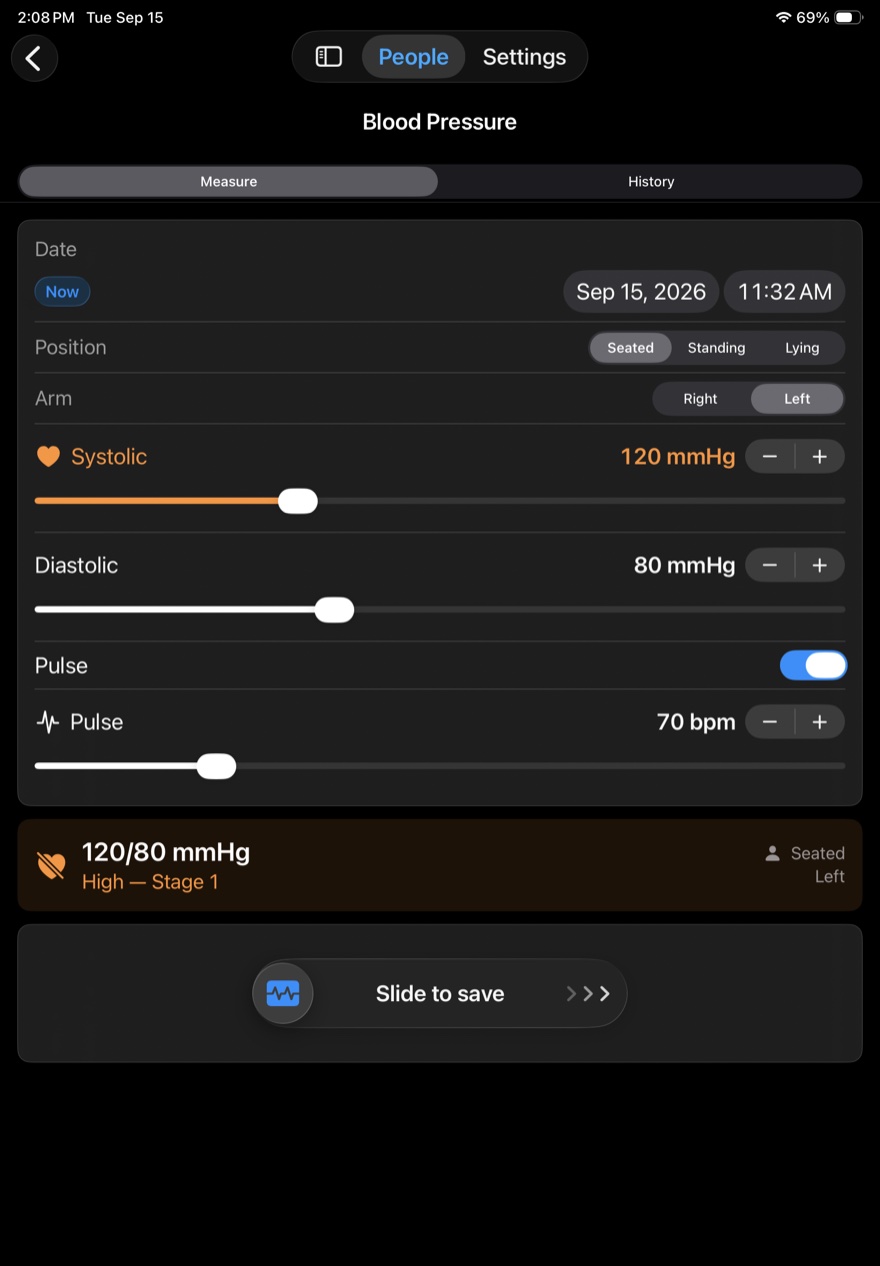
Save systolic, diastolic and pulse readings in seconds — along with the measuring position and arm — instantly classified against standard clinical reference ranges.
BMI and weight
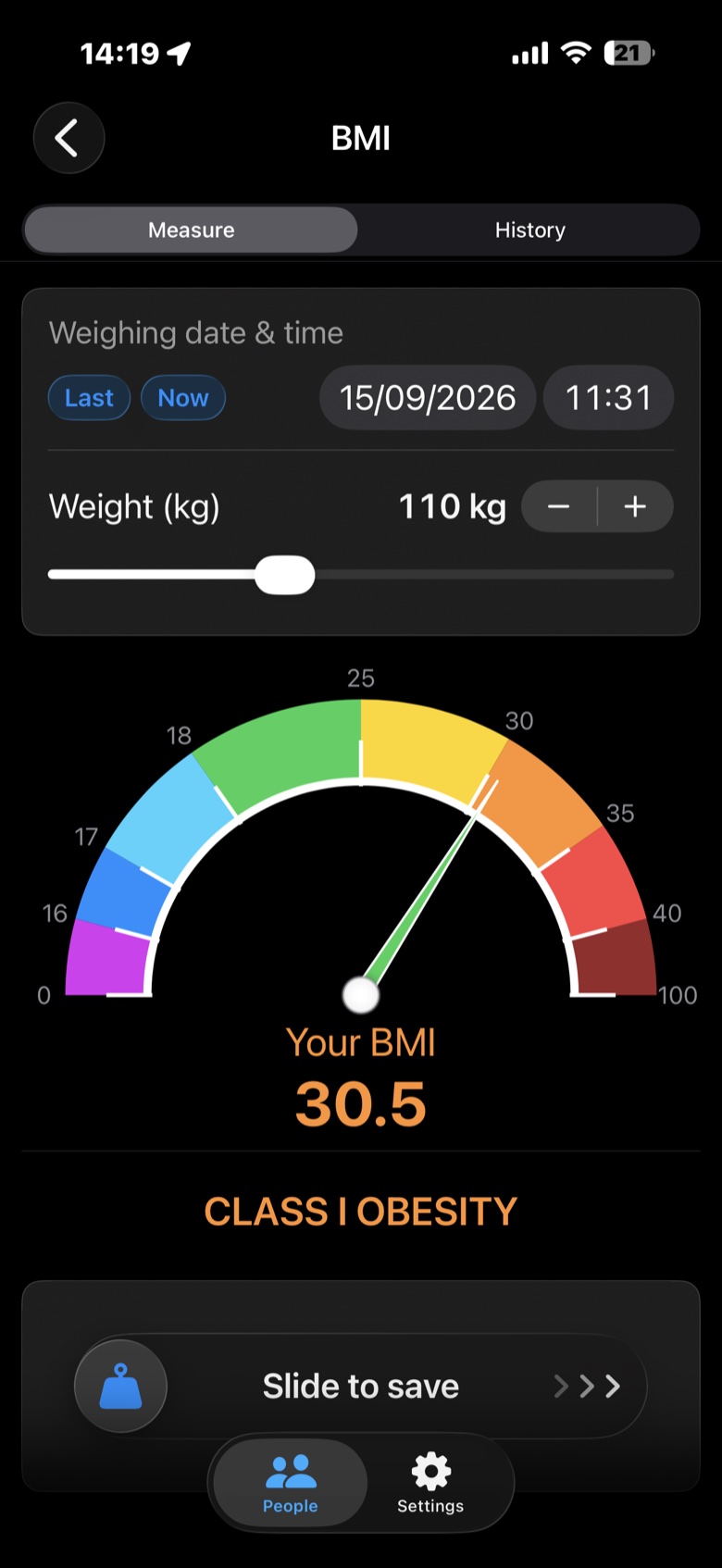
Log everyone's weight and check their Body Mass Index on an easy-to-read visual scale, with their full weigh-in history.
Body measurements
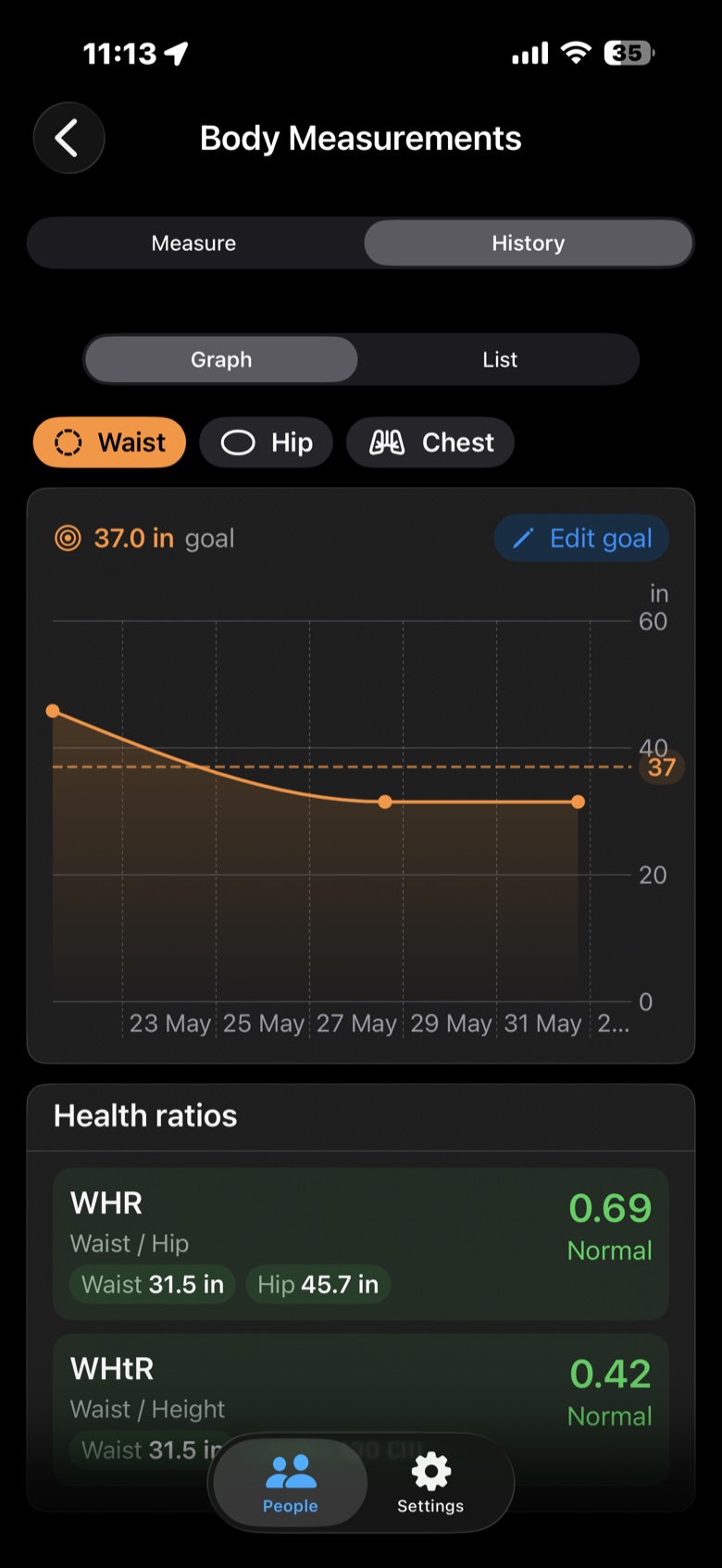
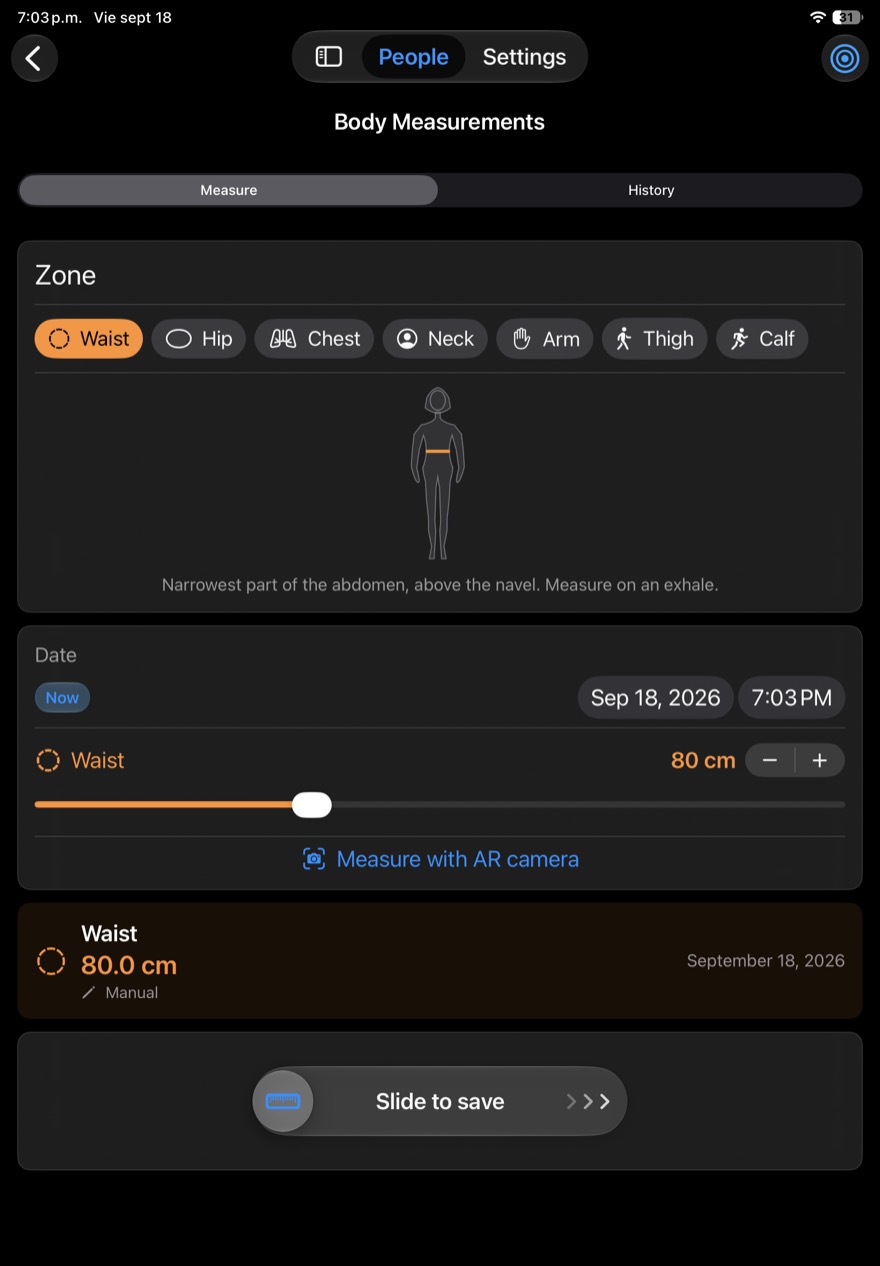
Track waist, hip, chest, neck, arm, thigh and calf — by hand or with the AR camera — and check their waist-to-hip (WHR) and waist-to-height (WHtR) ratios for more insight than the number on the scale alone.
Family profiles
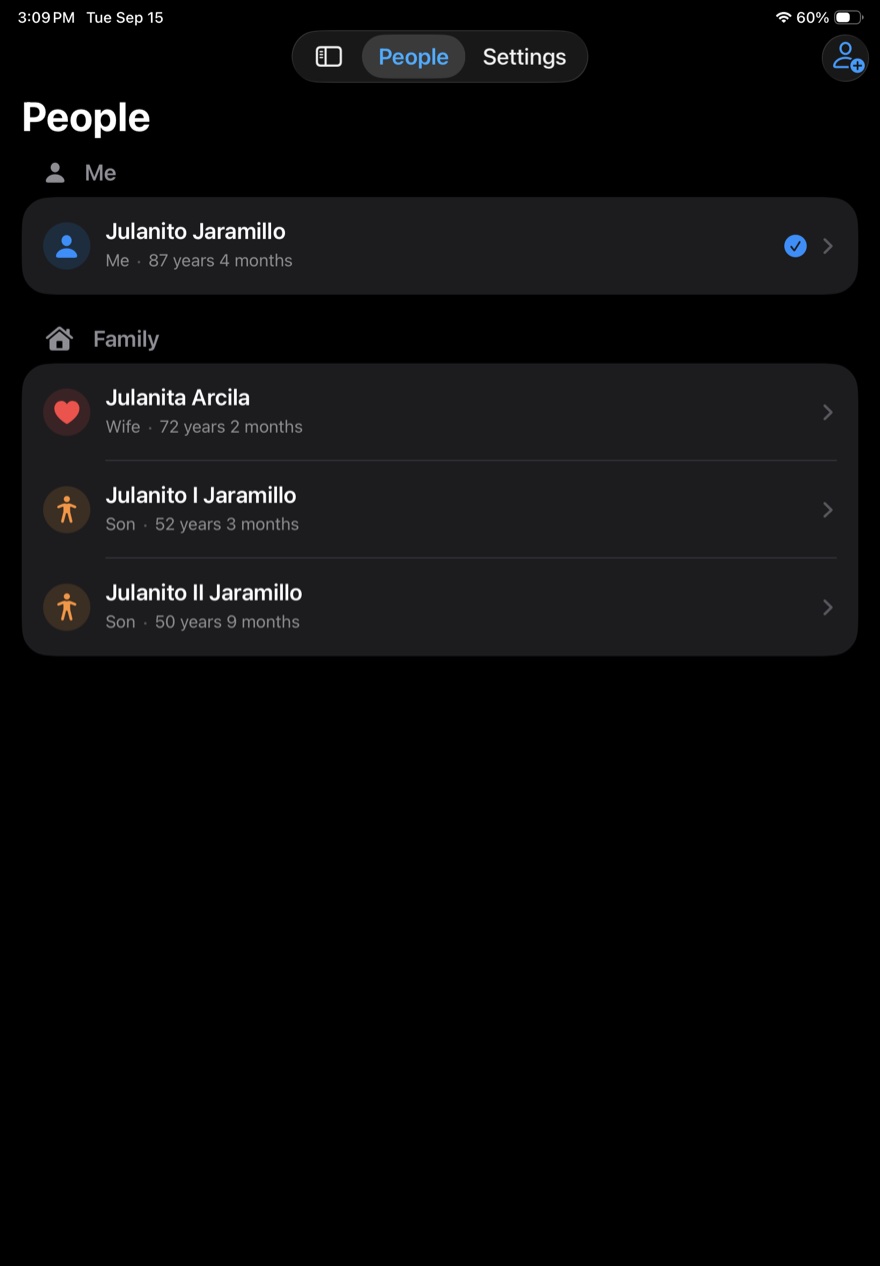
Create up to 10 profiles for the people who matter to you — whether they live with you or not. Open anyone's profile without touching anyone else's data, even on a shared device.
History and trends
Review evolution charts to catch changes early and bring clear information to every doctor's visit.
Widgets, Live Activities and Siri
Put each person's latest BMI or blood pressure in a Home Screen widget. When you save a reading, it shows for a moment in the Dynamic Island and on the Lock Screen, then clears itself after an hour. Or ask Siri for your latest BMI or blood pressure, no need to open the app.
Reports ready for their doctor
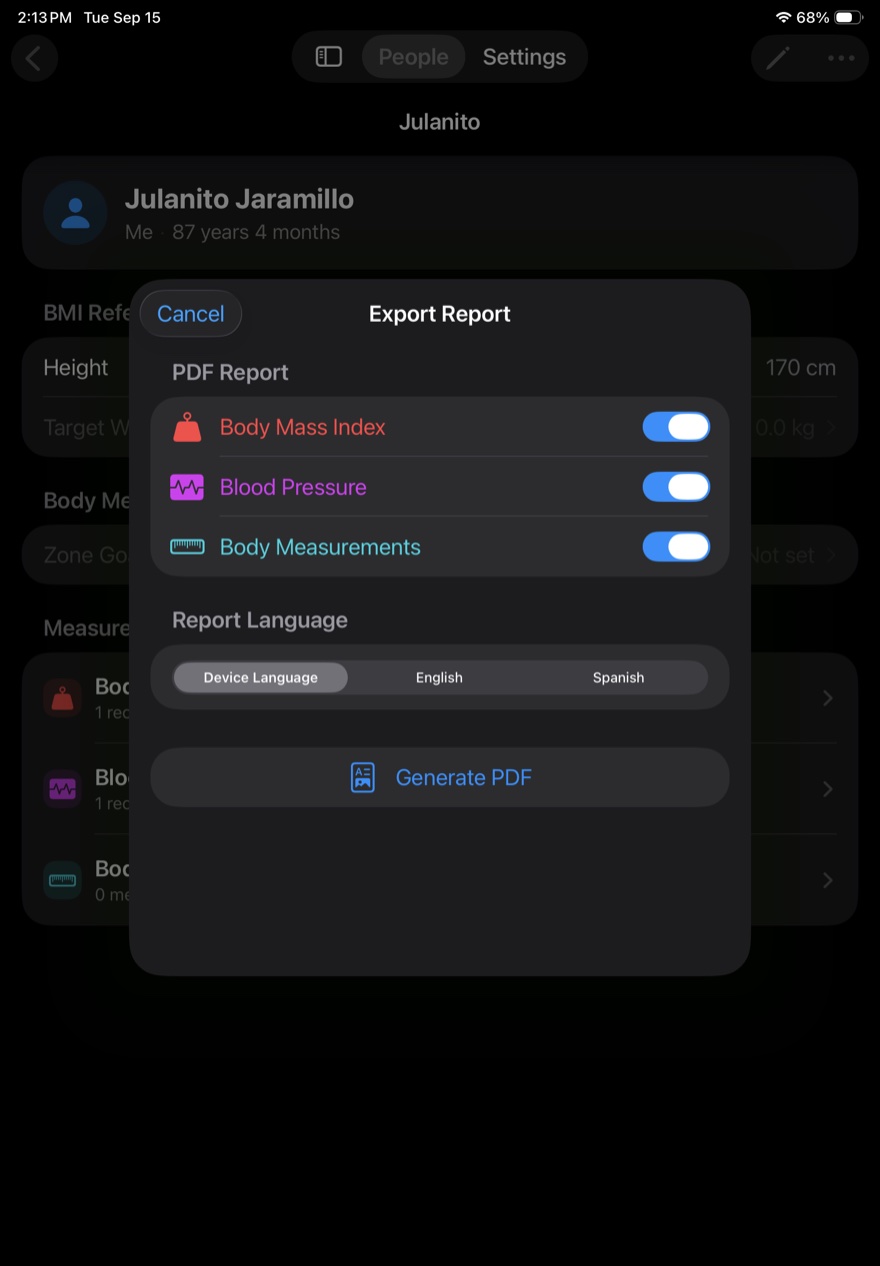
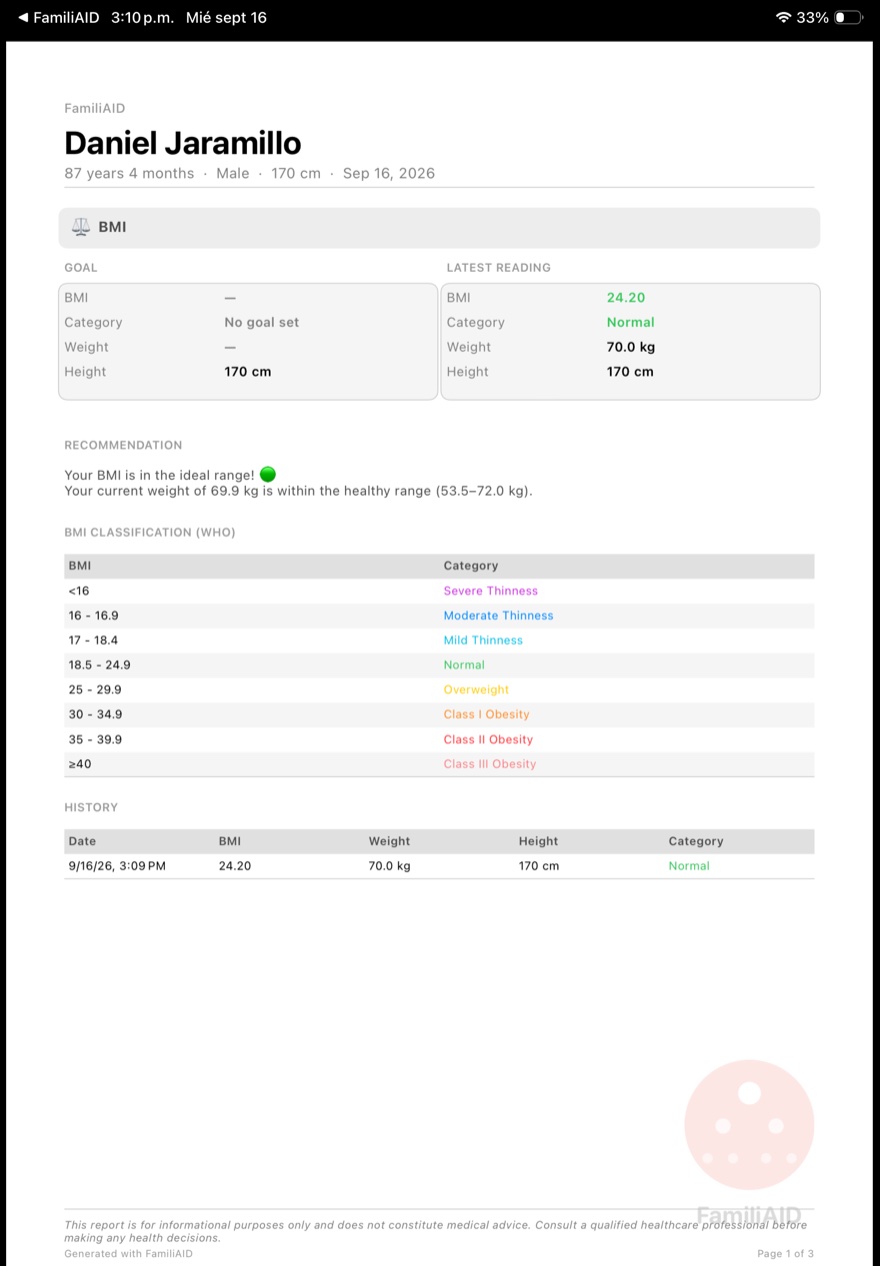
Generate a PDF with BMI, blood pressure and body measurements: goal vs. latest reading, standard clinical reference classification (WHO/AHA), and a plain-language summary written from those values. Choose the report language — English or Spanish — regardless of your phone's language.
Back up and transfer your data
Export everything, a group, or a single person's profile to a file (with a password, which is the recommended way), then import it on another iPhone in merge mode (adds without deleting anything) or replace mode. Perfect for moving to a new phone or backing up before a reinstall — no iCloud required.
From reading to history, without friction.
Built to be used in the moment, no manuals or extra steps.
Create a profile
Add each member of your family with their name, height and family relationship. Open anyone's profile and choose what to log: blood pressure, weight or measurements.
Log a reading
Enter systolic, diastolic, pulse, weight or BMI in seconds. FamiliAID classifies it instantly against standard clinical reference ranges.
Track progress
Check each profile's history, spot trends over time, and share the report whenever you need to.
Designed to read as clearly as it feels to use.
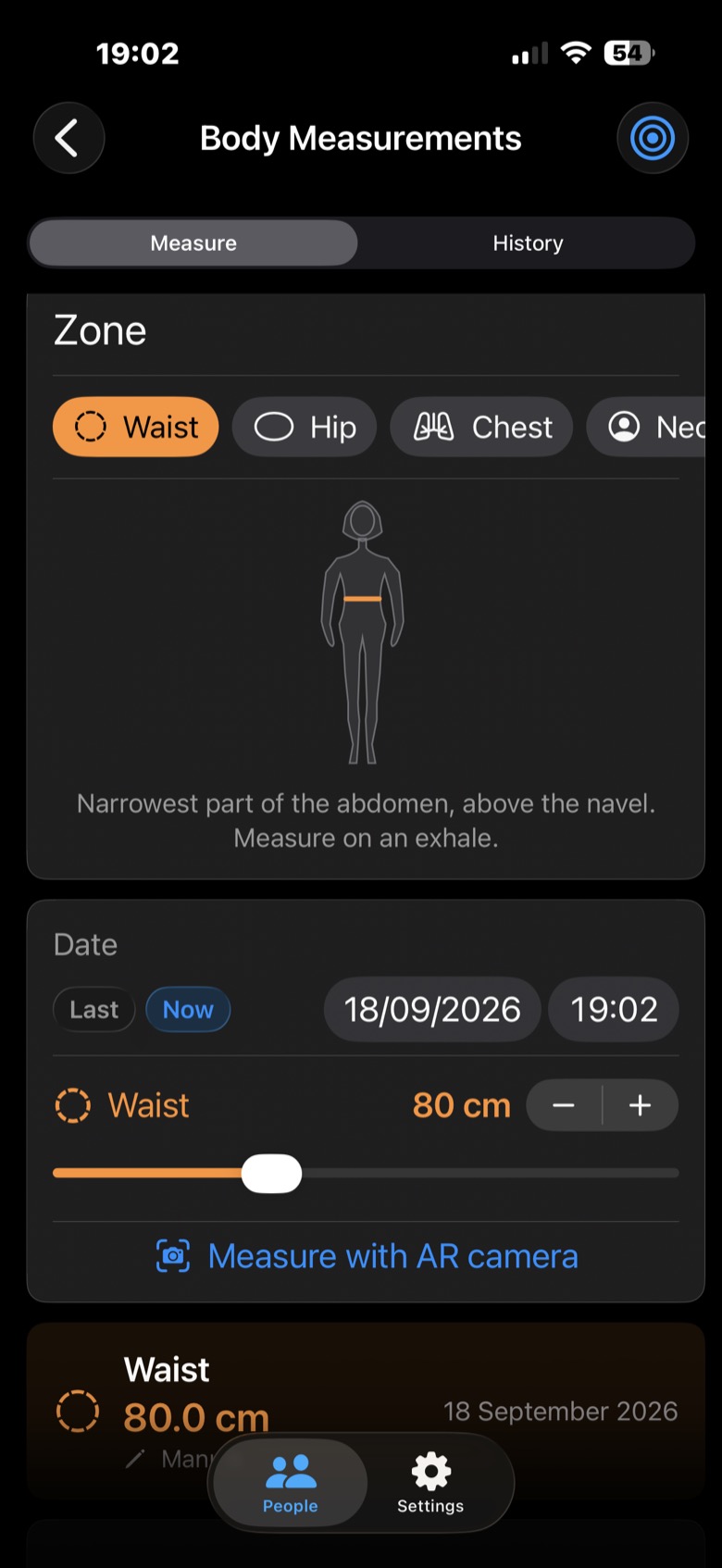
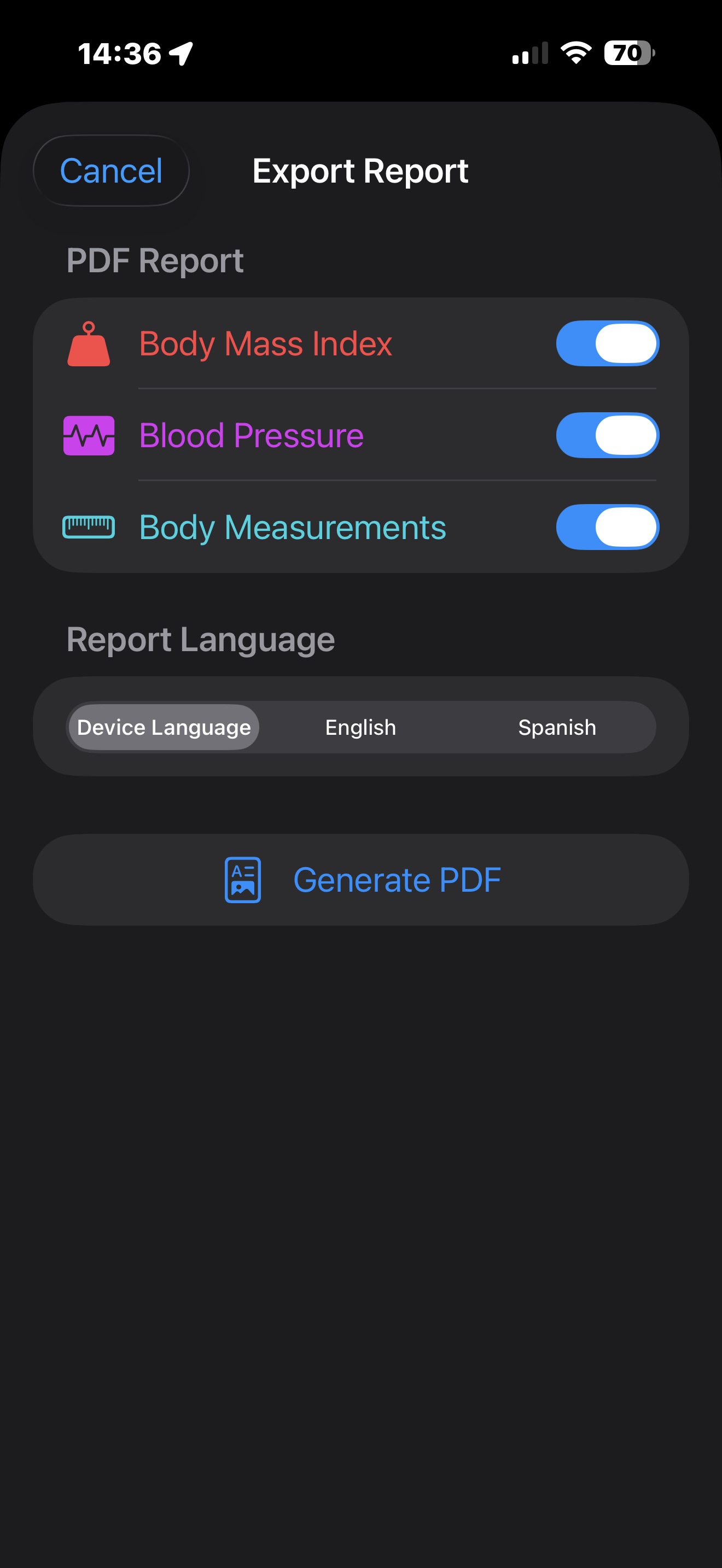
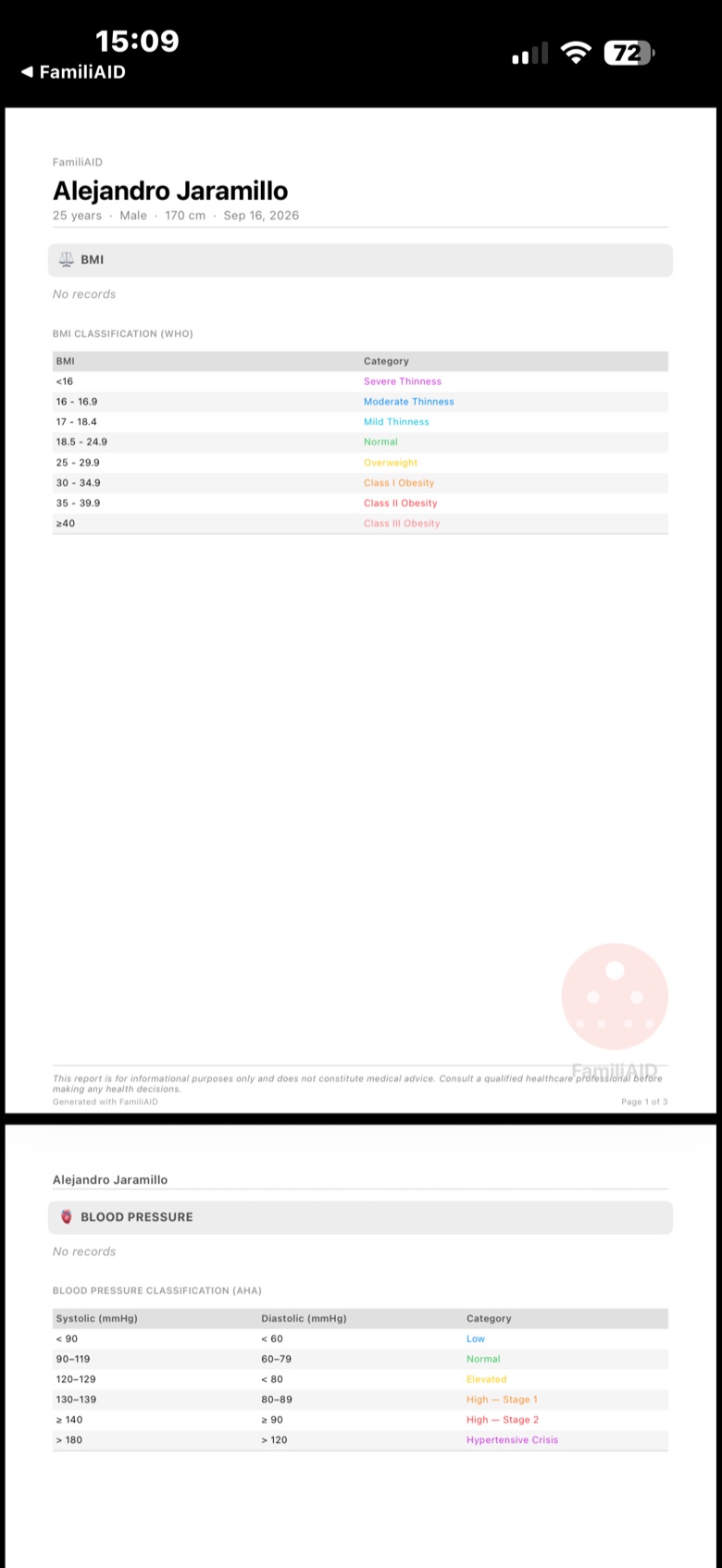
From zero to your first profile in under a minute.
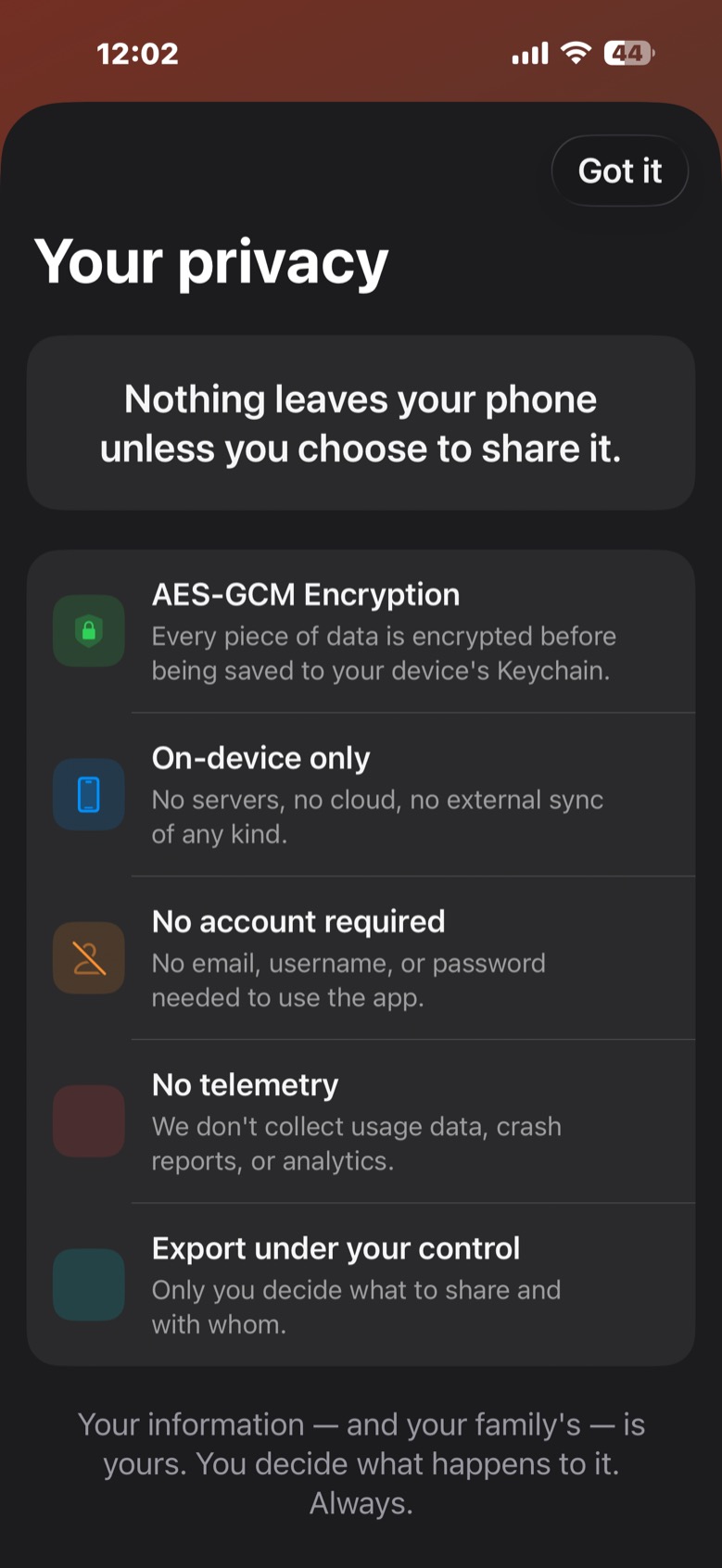
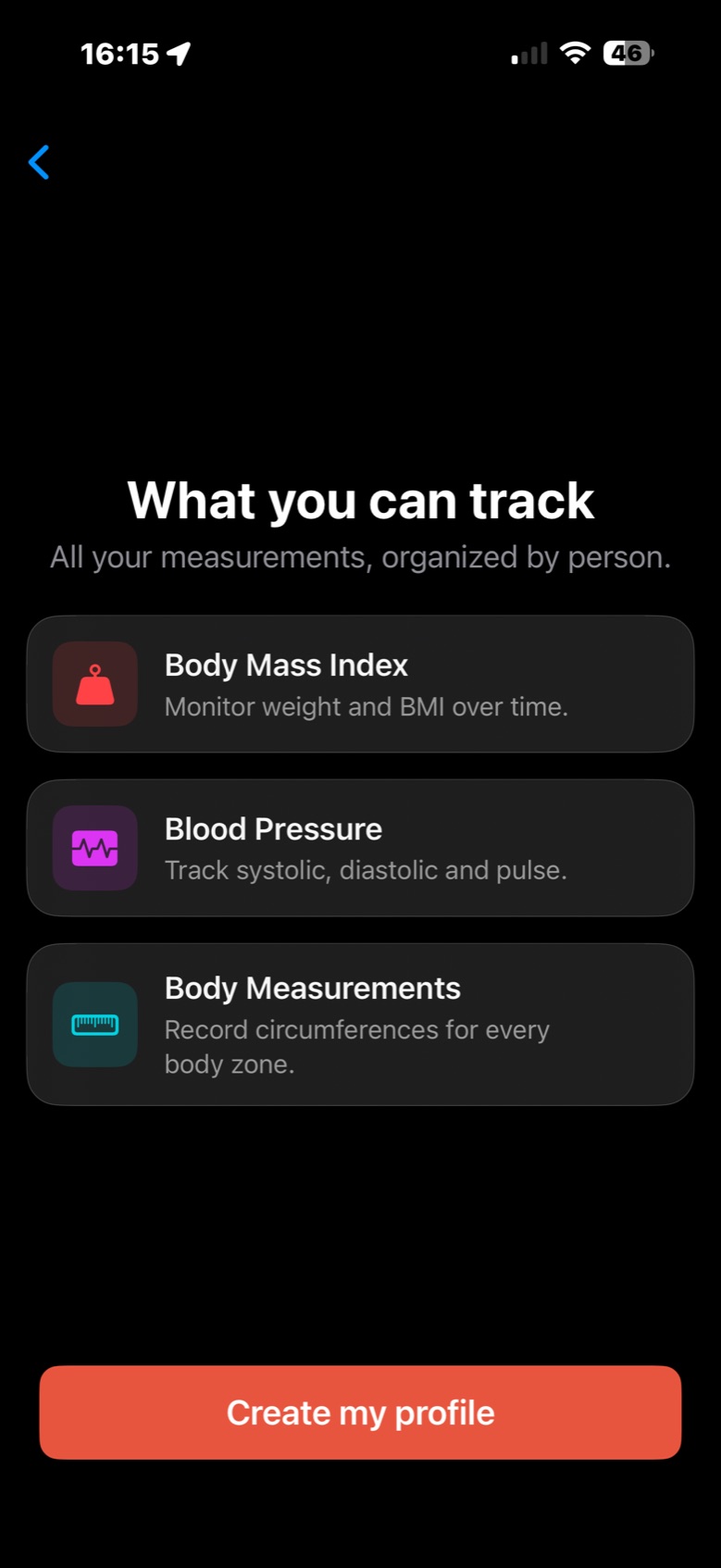
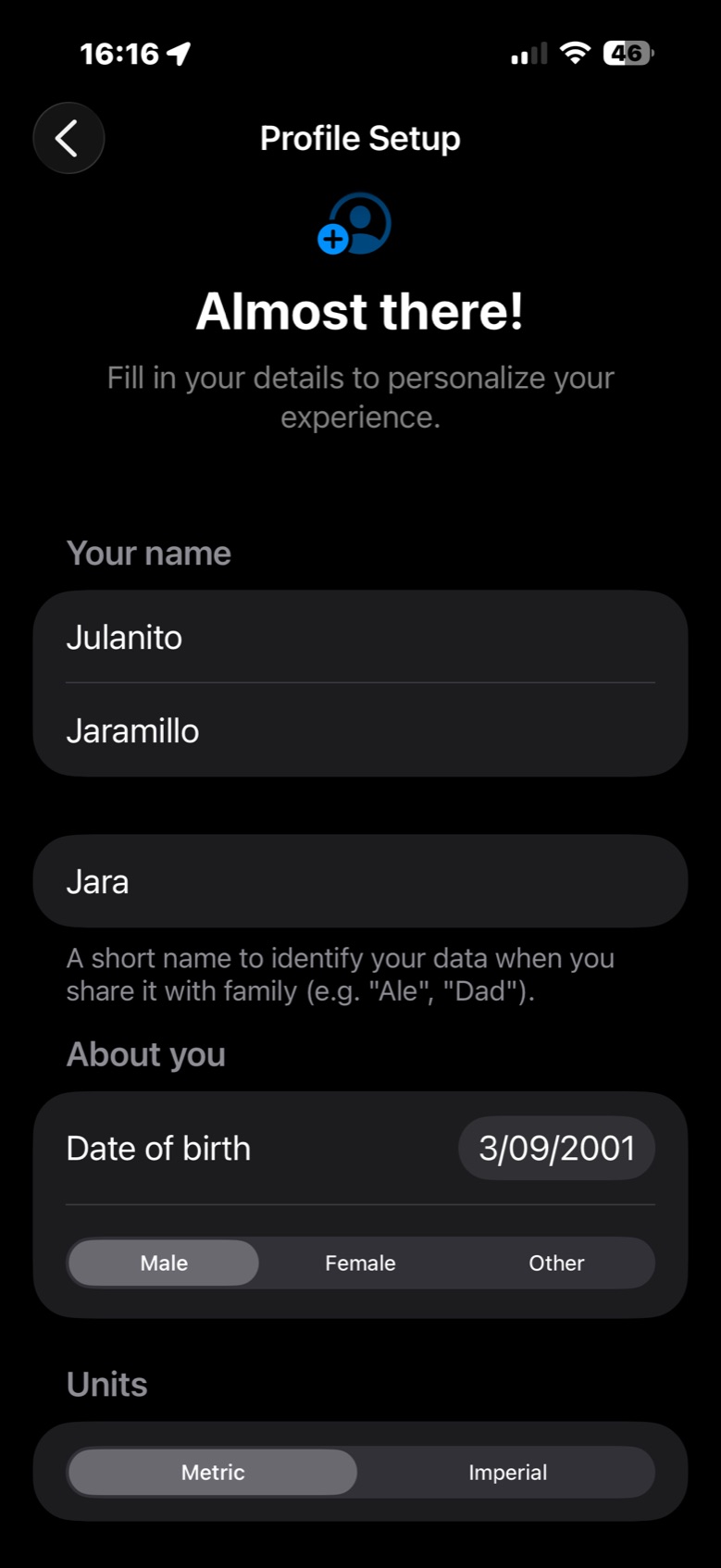
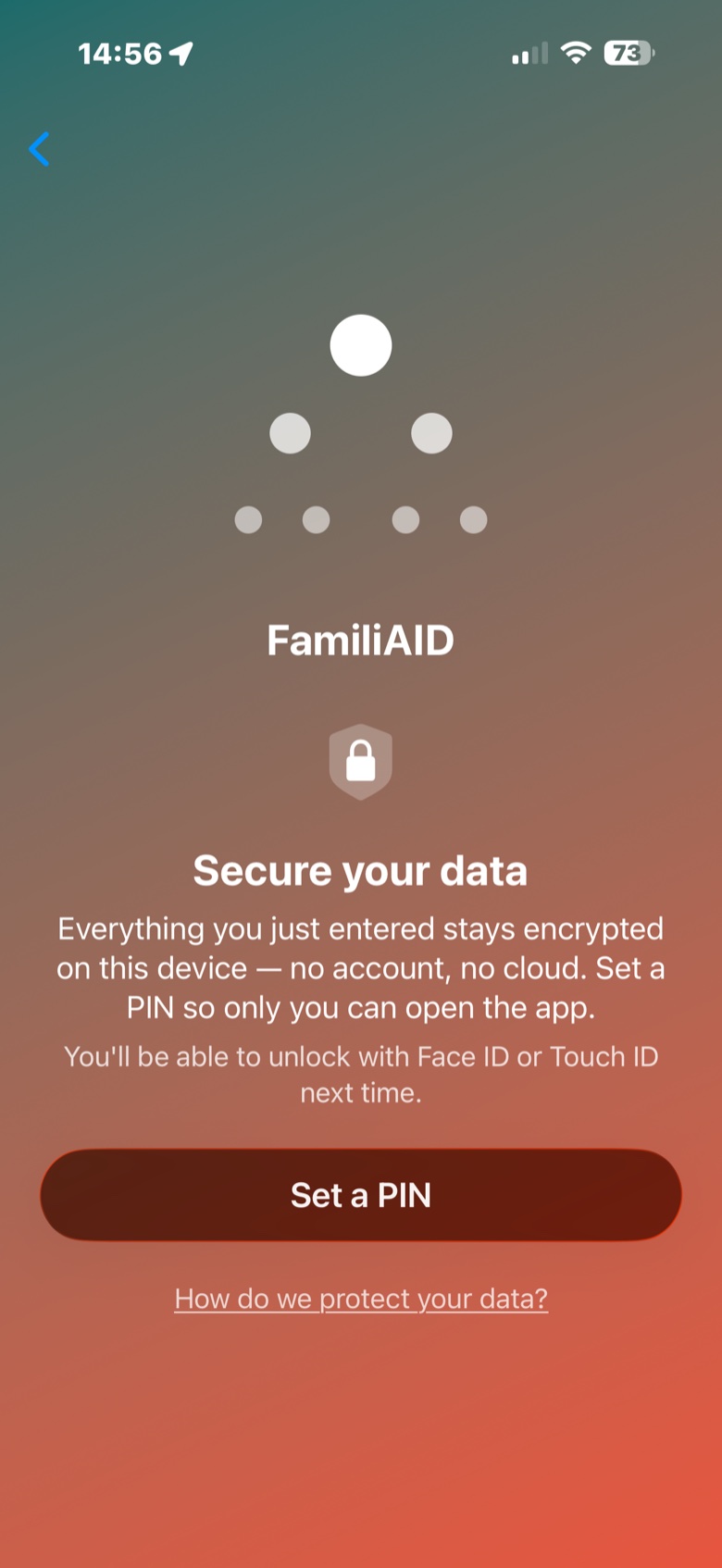
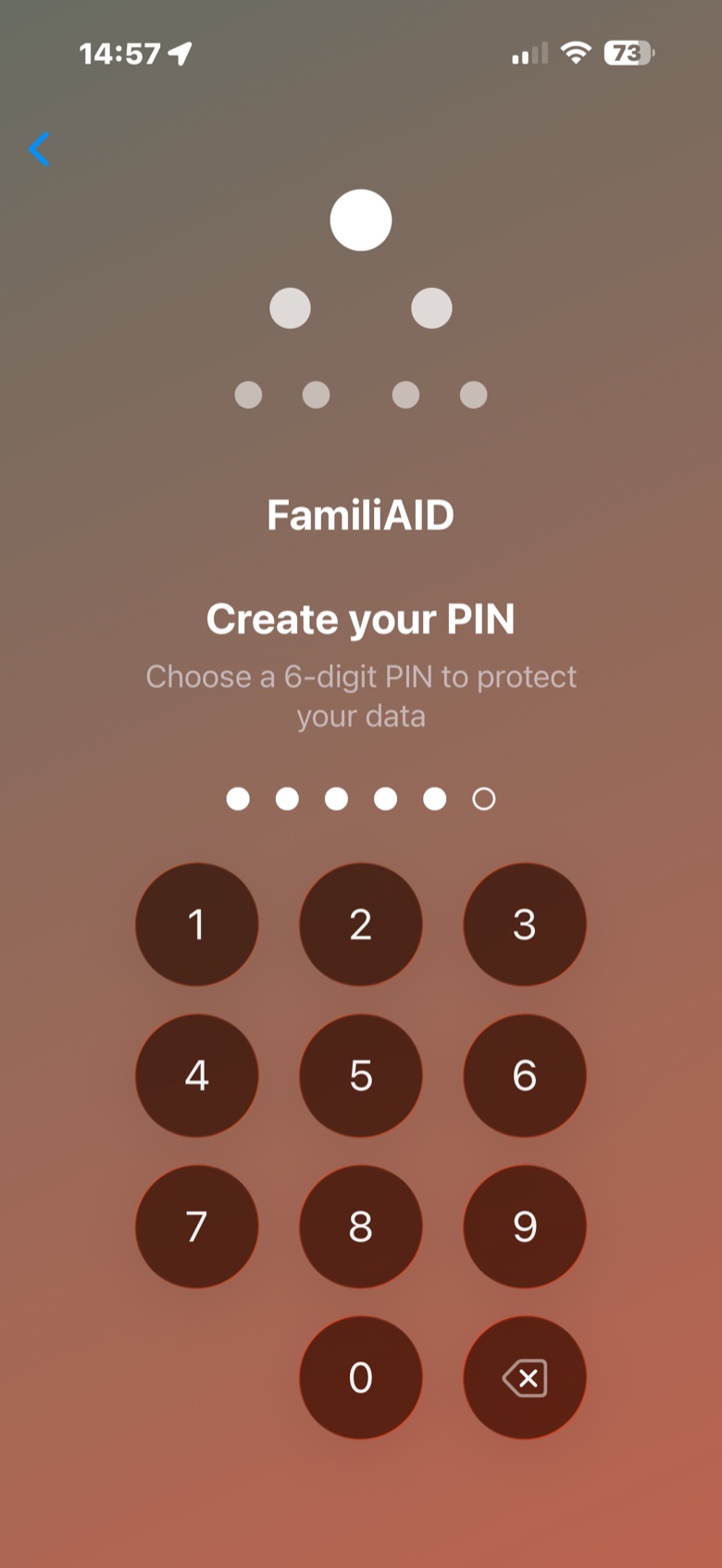
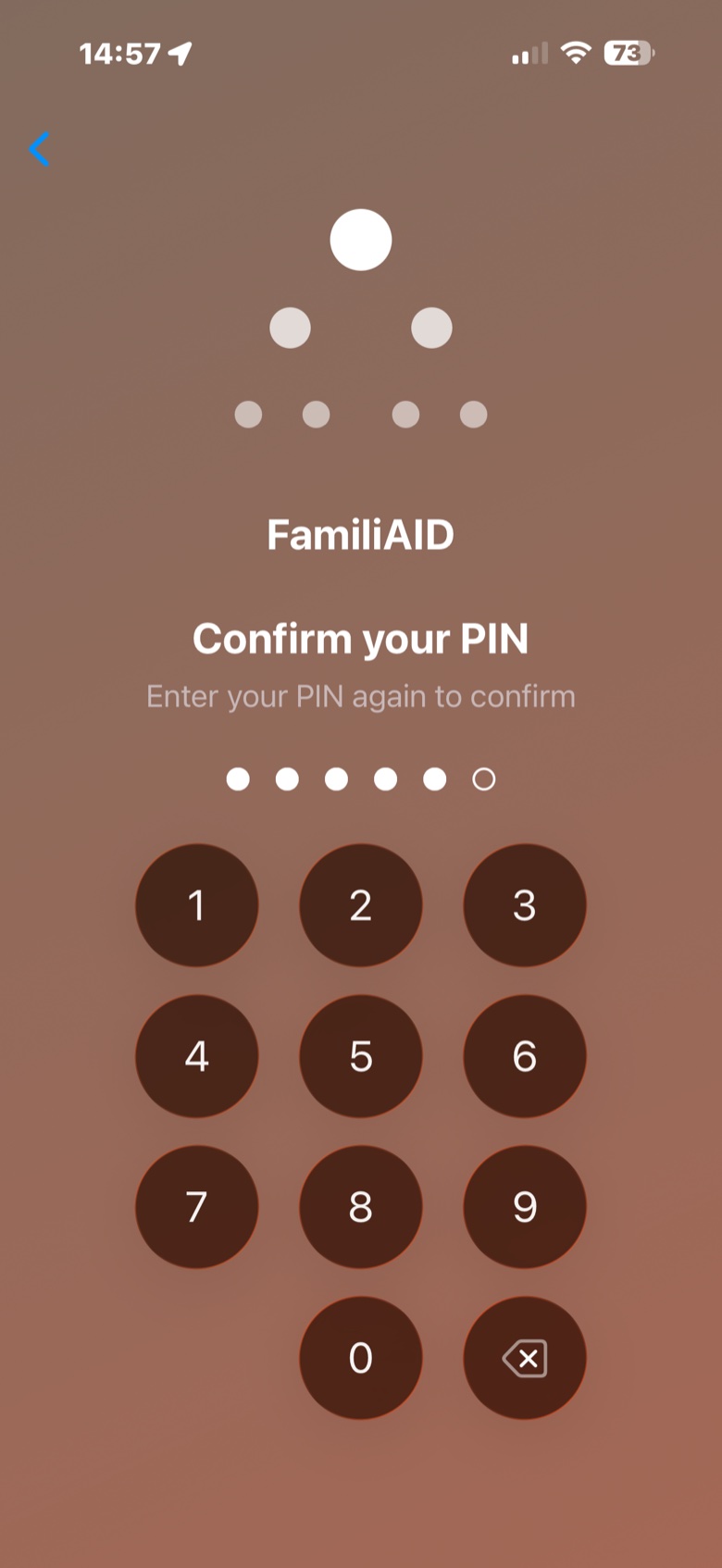
Your data, always under your control.
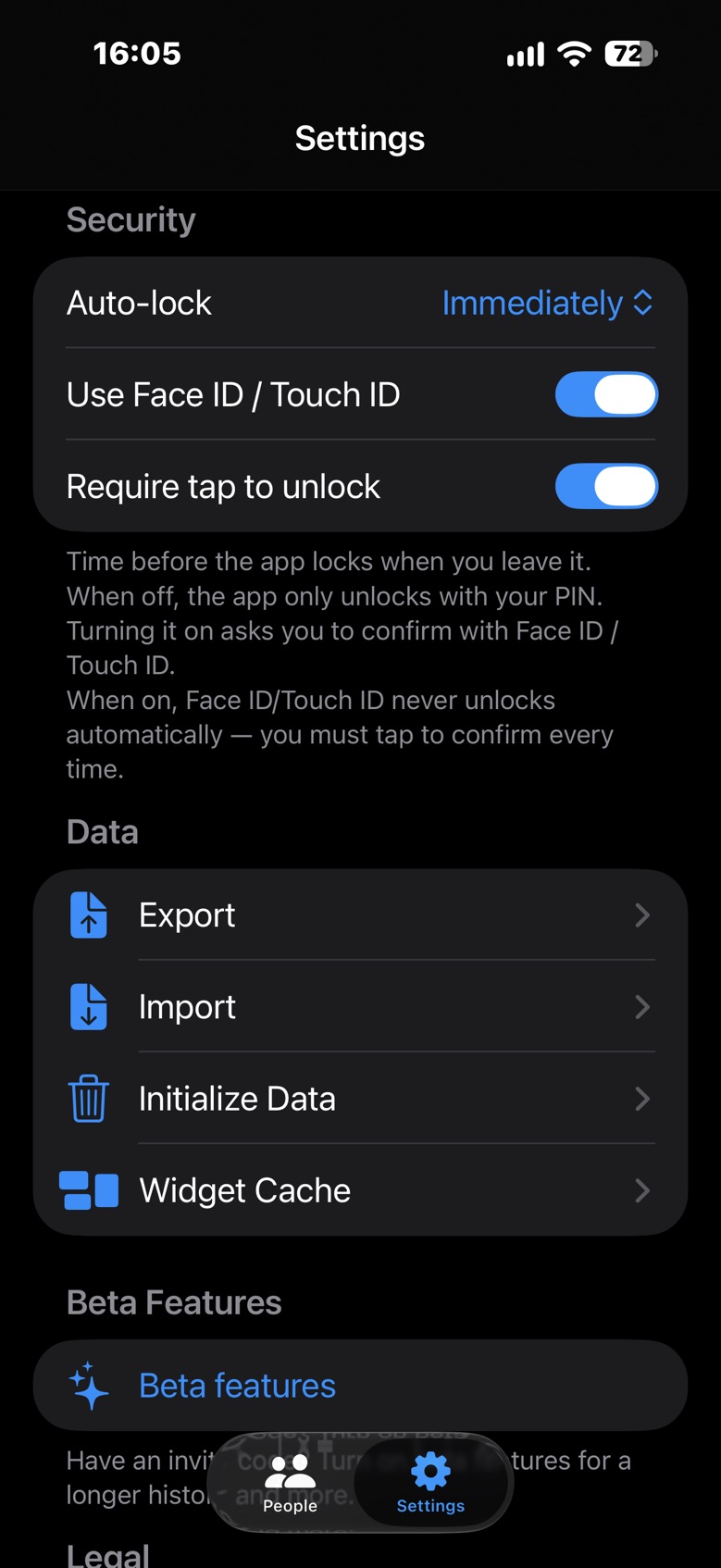
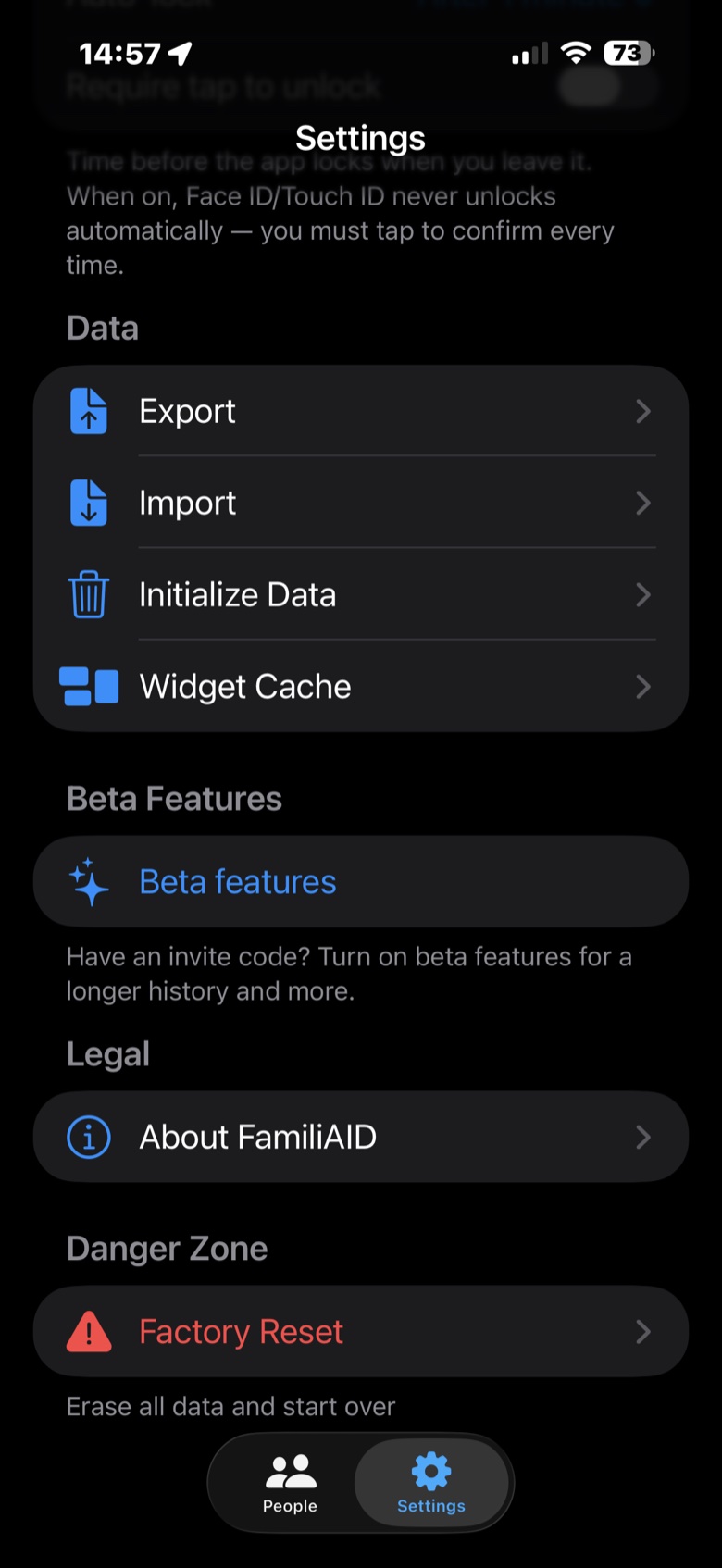
The same app, with more room to see your whole history.
Start tracking your loved ones' health.
Coming soon to the App Store, for iPhone and iPad. You'll be able to create profiles for your whole family and start logging their readings right away.
The link will go live as soon as FamiliAID is published on the App Store.
Frequently asked questions.
Privacy, terms and data handling now live on their own page.
Do I need to create an account to use FamiliAID?
No. Open the app and it works: no email, no password, no sign-in. It works offline from the first moment.
Does my data ever leave my device?
No, unless you choose to export or share it. I don't have servers to store your information on — everything stays encrypted on your iPhone or iPad.
How many profiles and readings can I save?
Up to 10 profiles and 50 saved readings per type on each one, for free. The Beta Features program offers invitation codes from Settings to raise those limits.
Does FamiliAID sync with iCloud?
No. FamiliAID doesn't rely on iCloud or any server of its own. You can back up and move your data manually by exporting and importing a file between your devices, whenever you choose to. I recommend doing it with a password: that way the file is encrypted; without one it's a plain, readable text file.
How do I protect access to my data?
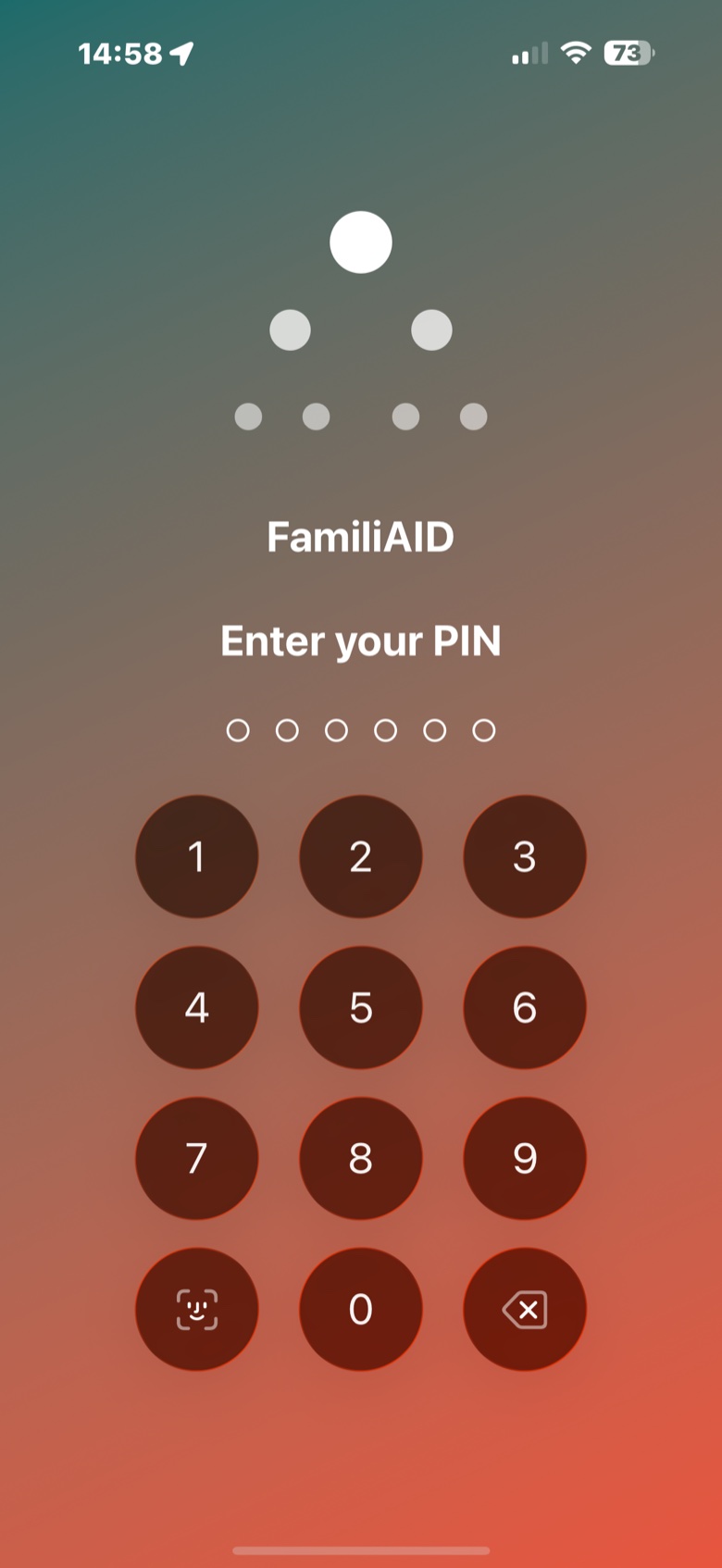
With a 6-digit PIN and, if you want, Face ID or Touch ID (you turn it on yourself in Settings → Security), plus an auto-lock timer you control. Only you decide who sees your history and your family's.
What happens if I get my PIN wrong several times?
After four incorrect attempts, the app makes you wait before you can try again: 30 seconds, then 1 minute, 5, 15 and, from the ninth attempt on, an hour between each one. This stops someone who has your unlocked phone from trying combinations one after another. The wait is stored on the device, so closing the app doesn't reset it. Face ID and Touch ID aren't affected. When you get it right, the counter goes back to zero.
What happens to my data if I uninstall the app?
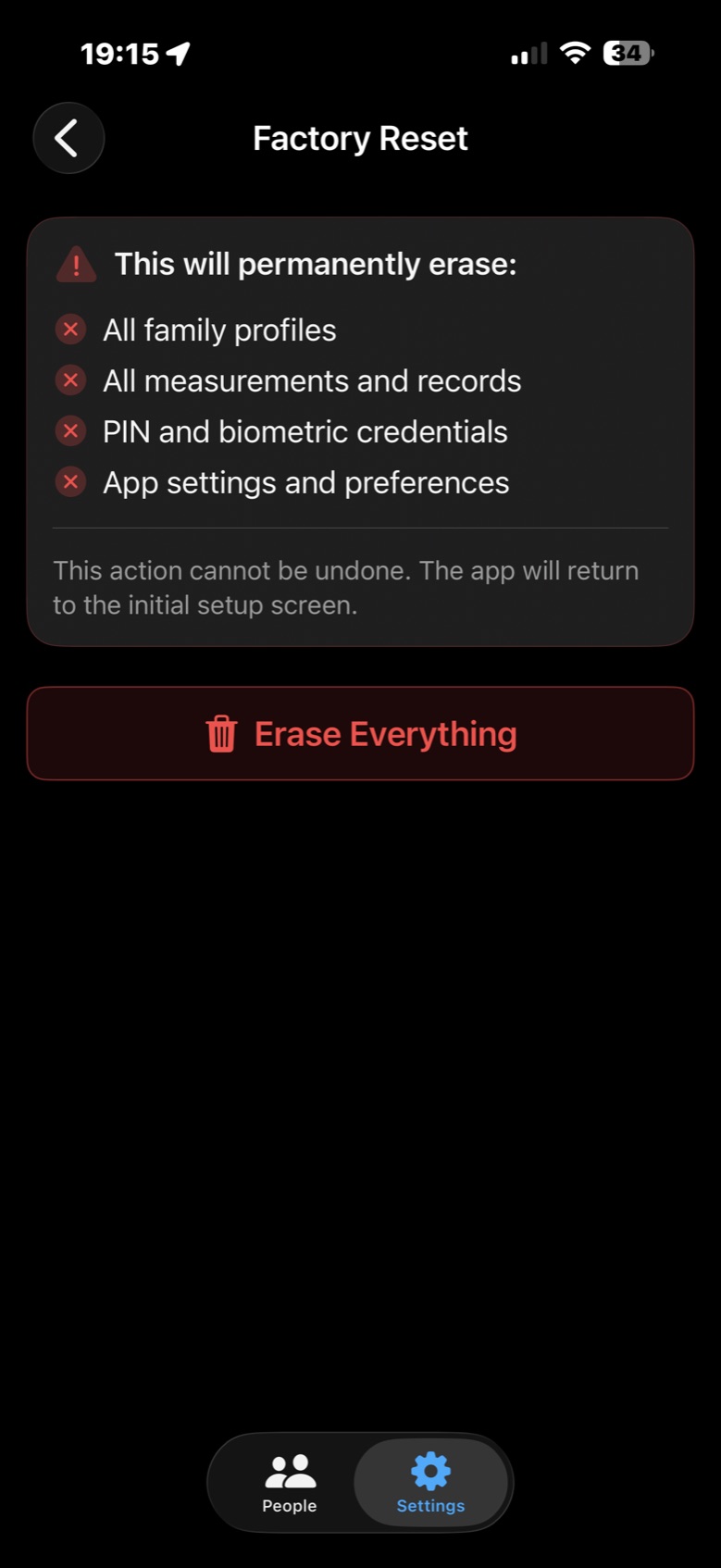
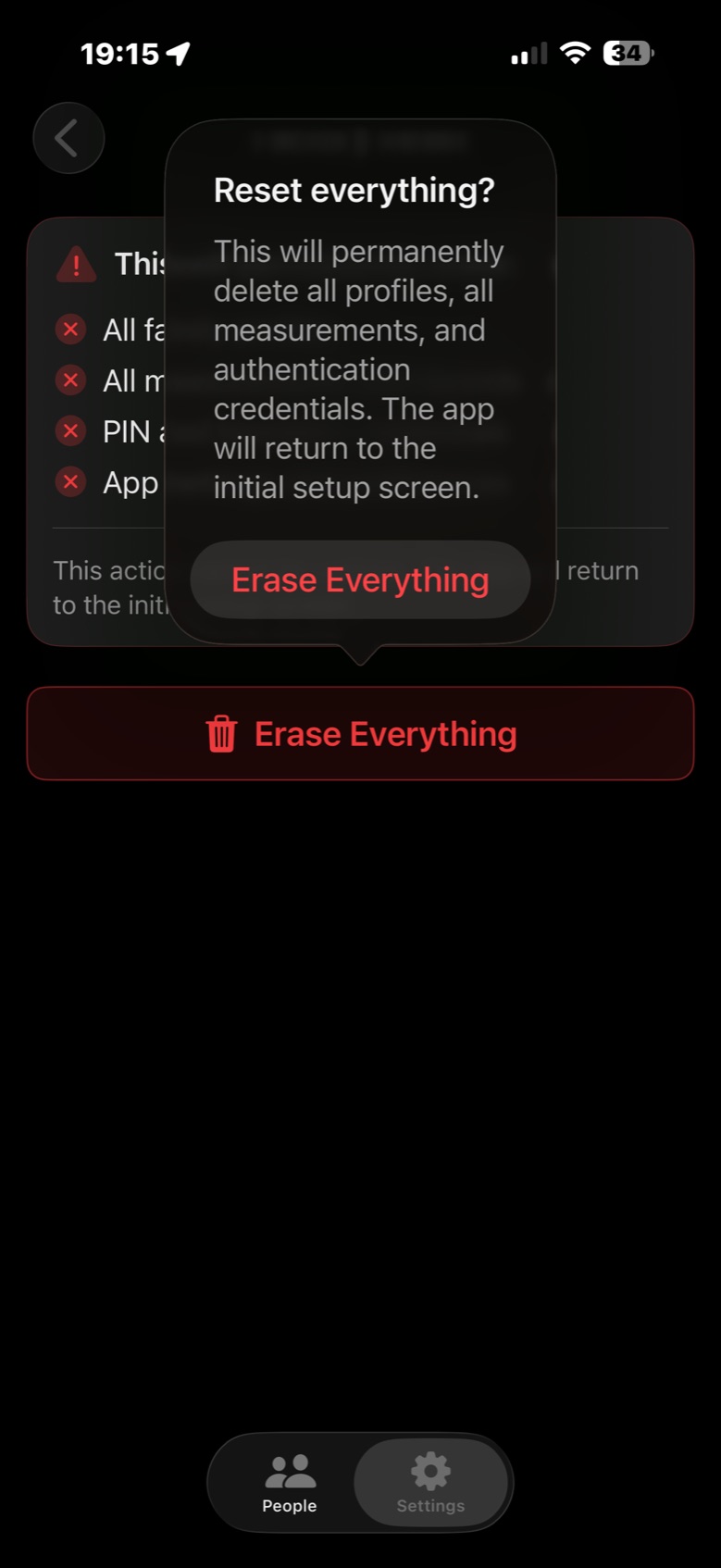
Uninstalling the app doesn't erase your data on its own. To erase it, use Settings → Danger Zone → Factory Reset before uninstalling. If you uninstall without doing so, it stays encrypted on your device and, when you reinstall, the app asks whether you want to keep it or start from scratch (which erases it permanently). Either way you have to confirm first with your PIN or, if you had it turned on, Face ID or Touch ID. If you forget your PIN and Face ID isn't turned on or doesn't work, there is no way to recover the data: there is no "forgot my PIN", and I can't do it for you either, because I don't have your data. Resetting the app only erases everything and takes you back to the start.
Why does FamiliAID ask me to confirm my age range with my Apple Account when setting up my profile?
This is a check done by Apple, not by FamiliAID. The app never sees your date of birth or any other account data — Apple only confirms whether you're above or below 13. I ask for this because whoever sets up their own profile is the one using the app directly, and I want to make sure that's an adult or, if not, that a responsible adult completes that step for them.
If I don't share my age range, or answer it wrong, can I change it later?
If you said no at first, you can change it from Settings → your name → Personal Information → Age Range for Apps, finding FamiliAID and tapping "Share Age Range Again." If you already shared it, Apple doesn't yet offer a way to undo that — it's an iOS limitation, not a FamiliAID one.
Does FamiliAID replace my doctor's advice?
No. It's a health data organization and tracking tool, not a medical device. If you have any symptoms or concerns, consult your doctor.
What languages does it support?
Spanish and English, with full parity. You can choose the language of each PDF report regardless of your phone's system language.
When will it be available on the App Store?
It's on its way. The download link will go live as soon as it's published.
Have questions? Write to me.
I reply personally, as soon as I can.